


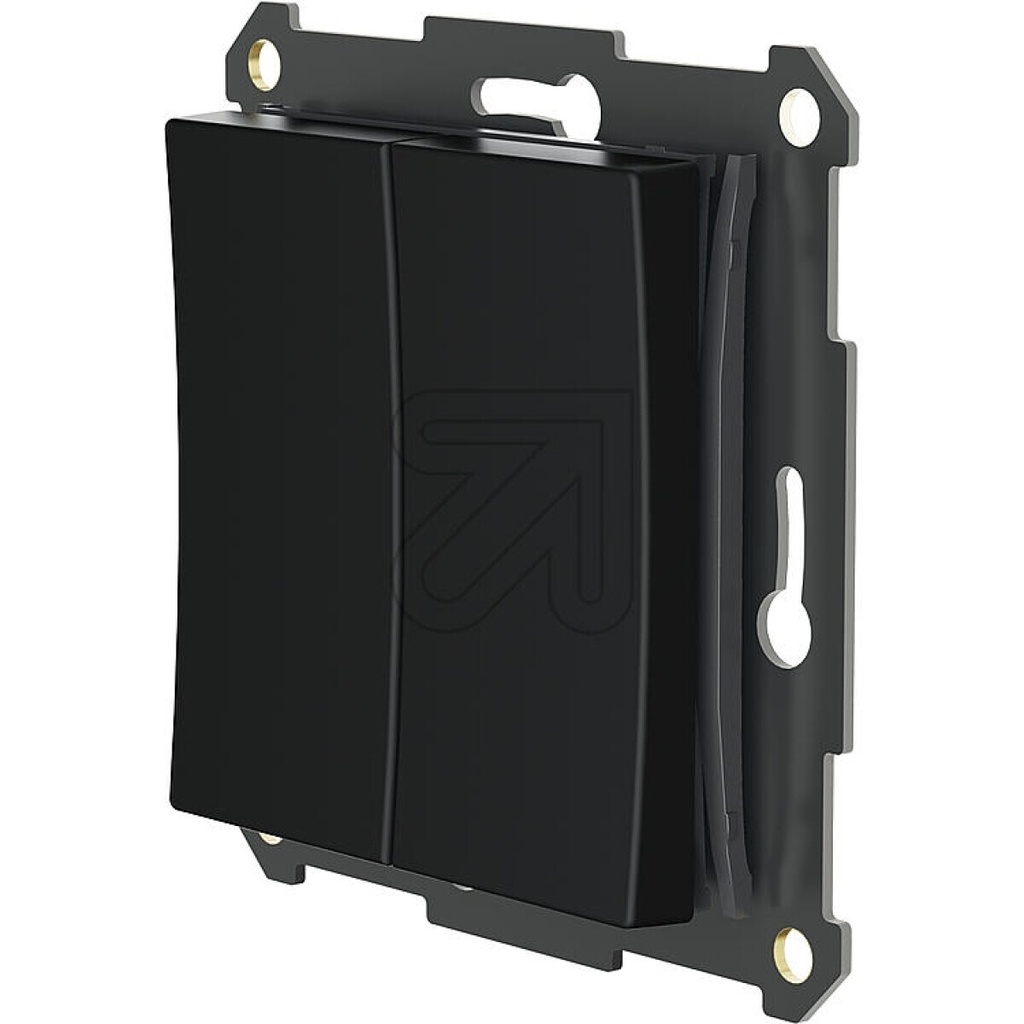
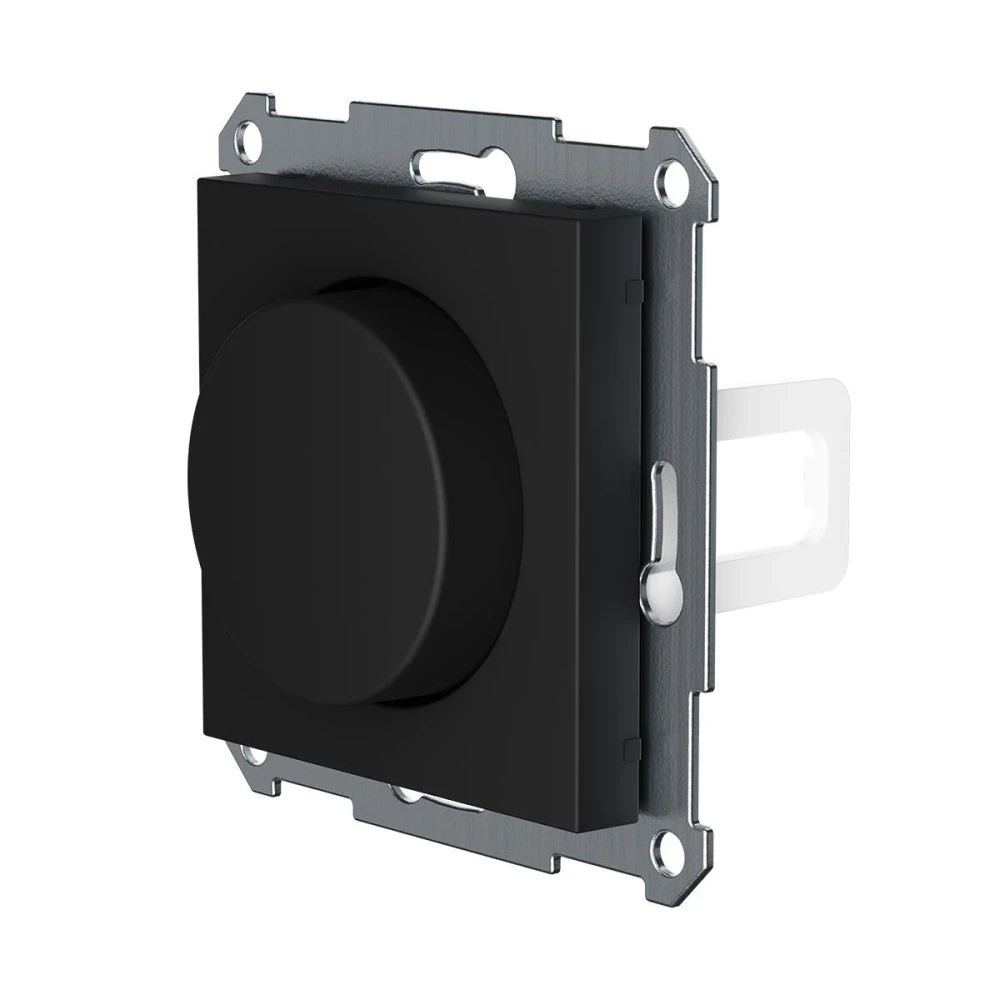
Plejd Wireless Push Button WPH-01-EB
Article No. |
391337 |
EAN |
7330018391337 |
Terms and Conditions
14-day money-back guarantee
Shipping: 2-3 Business Days
Descriptions
Wireless Control in Perfect Design Harmony
The Plejd Wireless Push Button WPH-01-EB is the ultimate solution for extending your lighting control without running new wires. This push button is specifically designed to fit directly into the frames of the **Elko Plus series**, giving you an elegant and uniform aesthetic that matches the rest of your electrical installations.
Flexible Placement and Simple Functionality
The battery-powered and wireless design grants total freedom. You can easily place an extra switch next to the bed, at a doorway, or in a room where fixed wiring is absent. The push button can be programmed to turn individual lights on/off, control lighting groups, or activate complex scenarios within the Plejd system.
Seamless Integration with Elko Plus
The WPH-01-EB insert ensures that Plejd's smart wireless functionality is concealed behind the premium finish offered by the Elko Plus frames. This makes it an excellent choice for design-conscious homes and renovation projects that require high functionality without visual compromise.
Areas of Use
- Renovations: Add new switches in older houses or rooms without the need for cable installation.
- Bedrooms: Mount a button next to the bed to turn off all lights in the room (or the entire house).
- Furnishing: Create a switch in locations that were previously impossible due to furniture placement.
- Scenarios: Use the button to activate a "Home" or "Away" scene that controls multiple functions simultaneously.